How to translate a website
- Words in the source site
- 54,000
- Computed on this page from the inputs below
- Words across every language
- 162,000
- Computed on this page from the inputs below
- Words a person still has to touch
- 64,800
- Computed on this page from the inputs below
- What those words cost at your rate
- 7,776
- Computed on this page from the inputs below
The arithmetic runs on the figures you type. The tag rules the map applies are Google's own documented requirements for localized versions, linked where they are used.
Email me this result
We will send you these figures and a link back to them. One email, nothing else unless you tick the box.
The figures are a worked example from one site, 54,000, so put your own pages and locales in and the answer changes on the page.
Download the How to translate a website worked example (CSV)
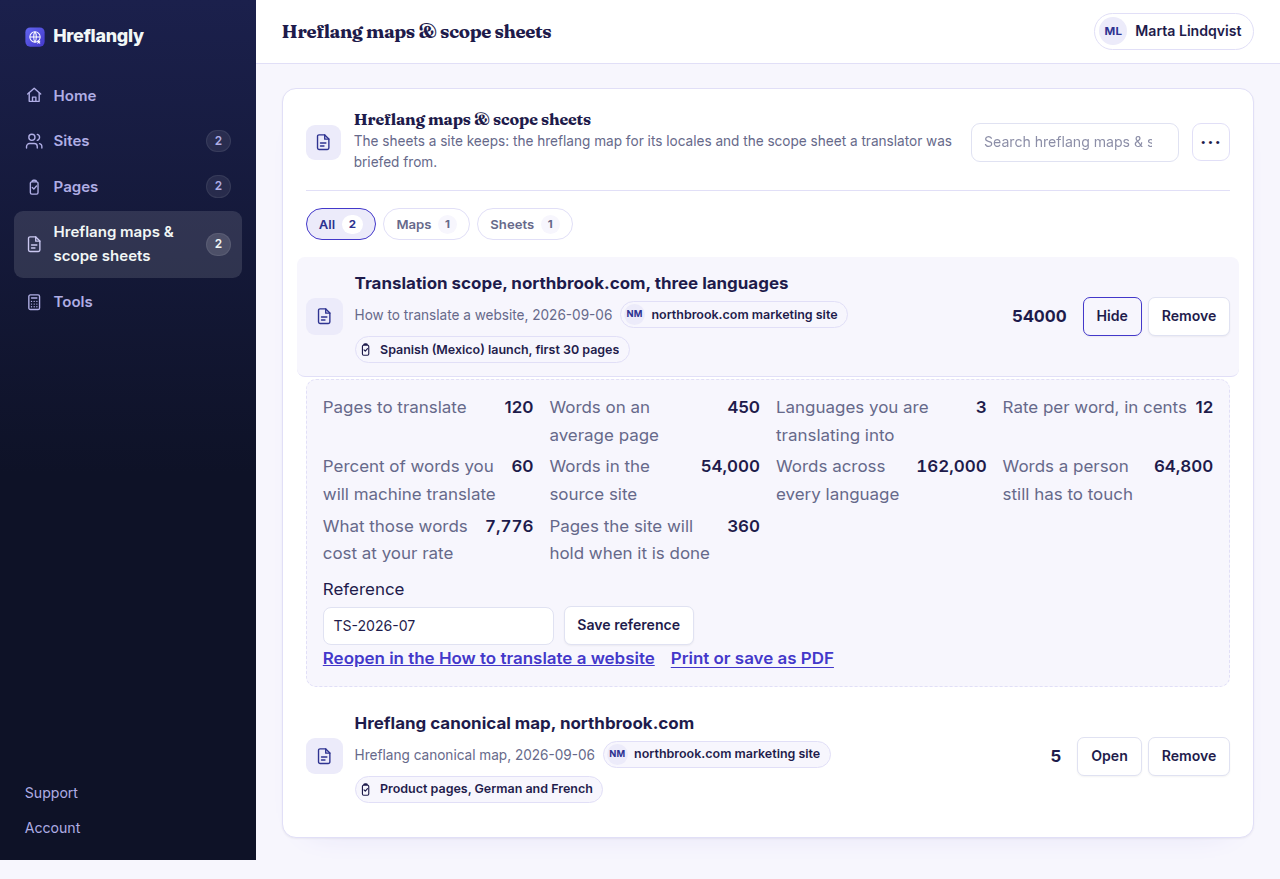
Translating a website is quoted per word, so the first honest question is how many words the site actually has once every locale is counted. This worksheet takes your page count, the average words on a page, the languages you are going into, the rate you have been quoted and how much you intend to machine translate, and returns the words a person still has to touch and what they cost. It is the sheet you take to a translator or an agency so the conversation starts from a number rather than a guess.
Where the constants in this tool come from
Google Search Central, managing multi-regional and multilingual sites.
What a site owner asks before running the How to translate a website
What is a realistic words-per-page figure?
Take five typical pages, count them and average. Marketing pages tend to run short and documentation long, so a site with both should be sized in two groups rather than one.
Should we machine translate everything and post-edit it?
That is what most sites do now, and the sheet lets you set the share. The judgement is which pages carry the risk: a legal page or a checkout flow is usually worth translating properly, and a blog archive usually is not.
Does the sheet include the cost of the software?
No. It sizes the translation work itself, which is the number that varies by two orders of magnitude between sites. What a plugin or this product costs is on the pricing page.